Ads in every app
Games, browsers, news apps — banners, video ads and interstitials stop loading.
One spell, and the ads vanish — in every app on your Android phone.
No root. No account. Your browsing never leaves your phone.

AdWizz is a free, open-source ad blocker for Android that removes ads system-wide: in apps, games and every browser, including Chrome and Samsung Internet. It works as an on-device DNS ad blocker, like having a Pi-hole inside your phone, so it needs no root and no account. It also blocks pop-up ads, redirect ads, trackers and scam sites, and your browsing never leaves your phone.
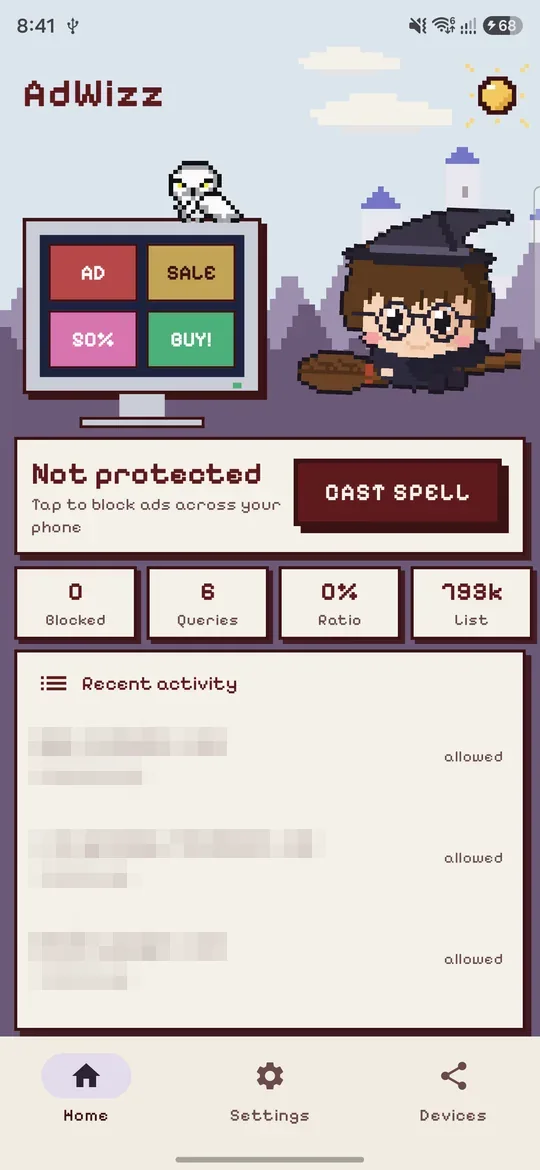
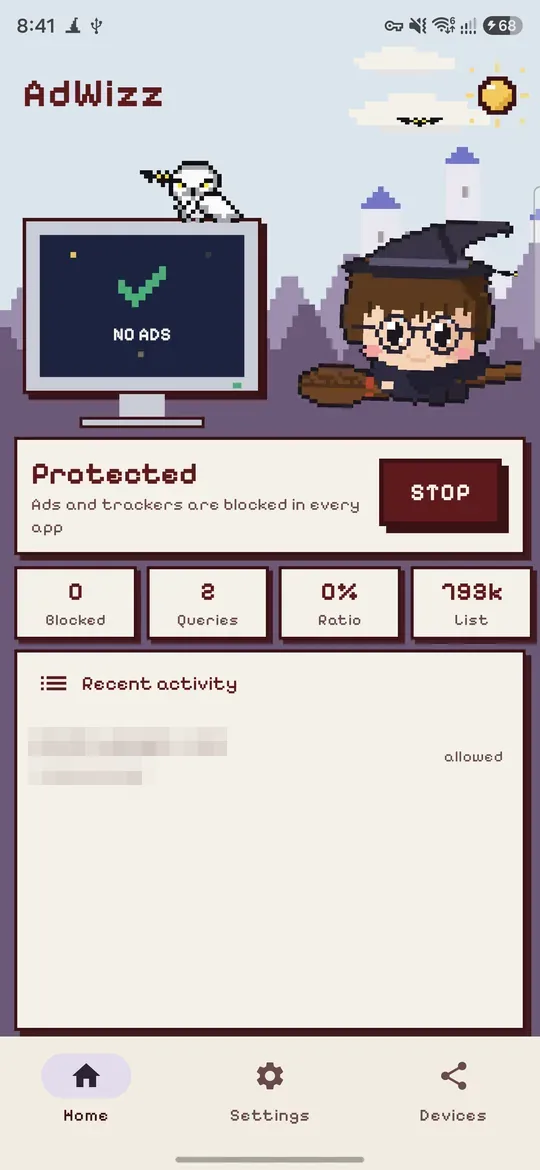
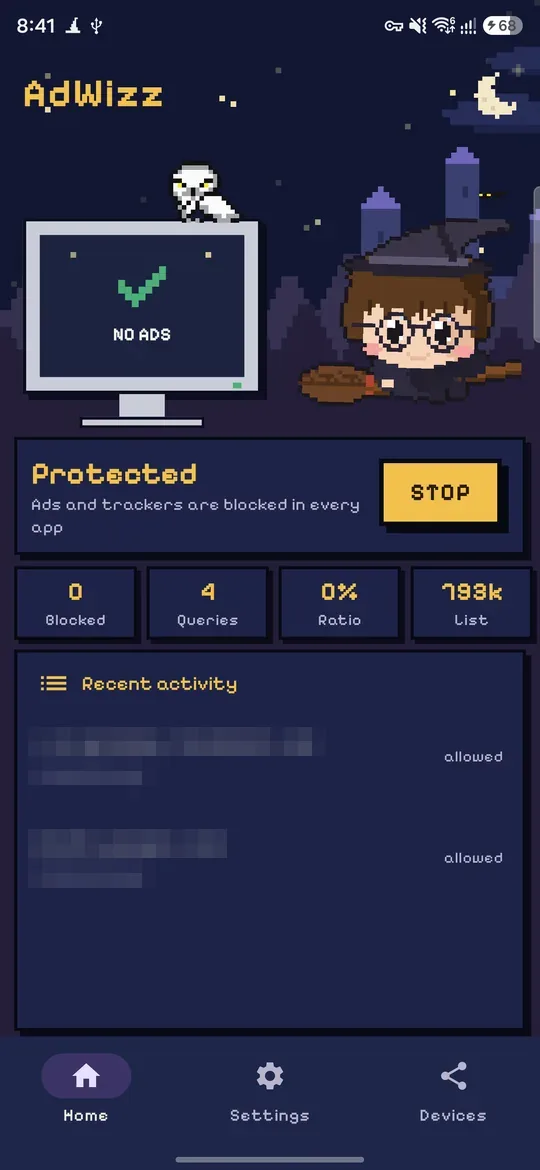
Games, browsers, news apps — banners, video ads and interstitials stop loading.
Pop-under tabs and "you won a prize" redirect chains never open.
Analytics, tracking pixels, fingerprinting, tracking-link redirects and phone-maker telemetry.
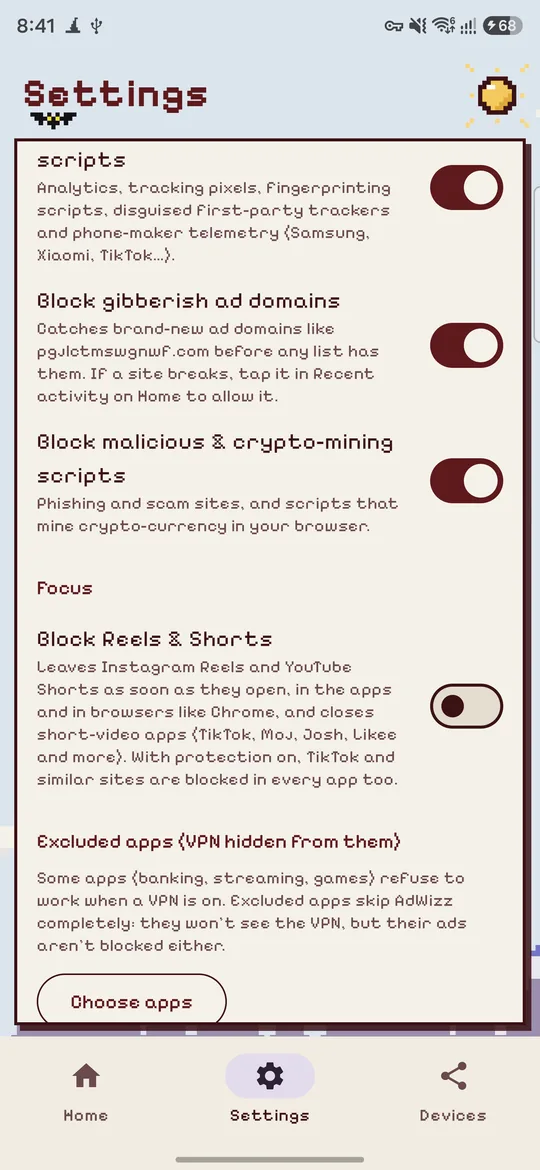
Spots the gibberish domains ad networks register daily, before any list has them.
Catches trackers disguised as the site's own address (CNAME cloaking).
Over 2 million phishing, scam and malware domains from threat-intelligence feeds, plus scripts that mine crypto-currency on your phone.
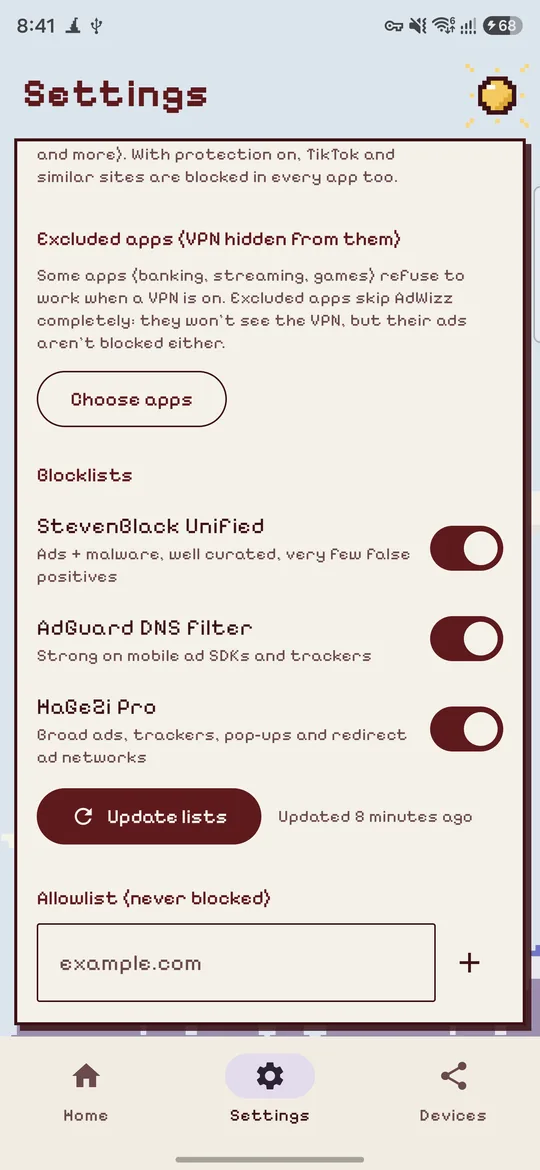
Ad, tracker and scam lists from StevenBlack, AdGuard, HaGeZi, OISD and more, refreshed every 12 hours on Wi-Fi.
One switch backs you out of Instagram Reels and YouTube Shorts and closes TikTok, Moj, Josh and Chingari. It comes as a small add-on that AdWizz installs when you turn it on.
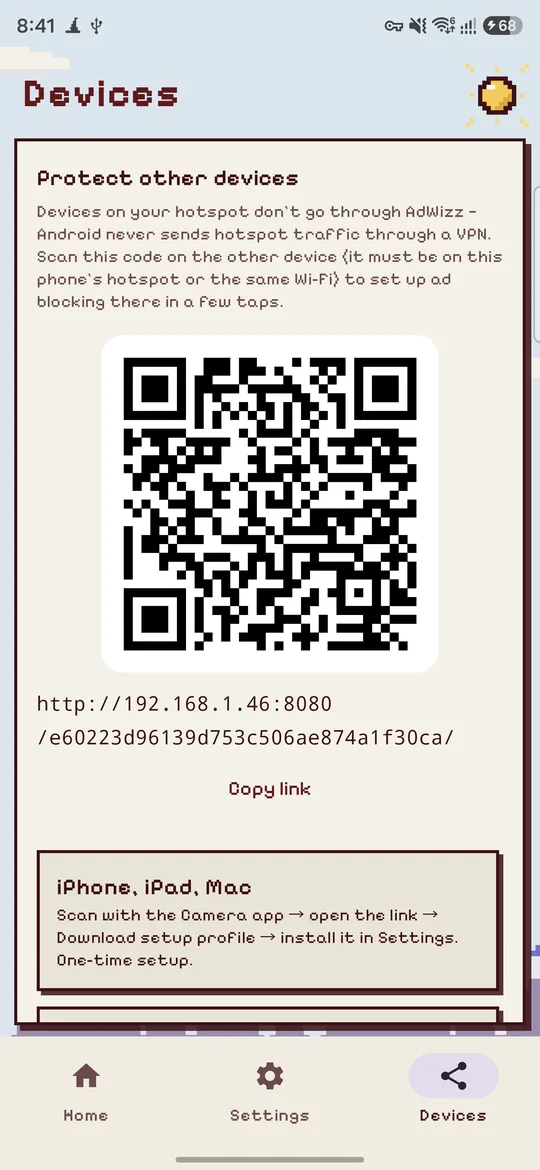
A QR code sets up ad blocking on iPhones, iPads, Macs and laptops on your hotspot or Wi-Fi.
AdWizz speaks 40 languages and follows your phone's language.
Filtering happens on your phone. Your browsing and DNS look-ups are never sent anywhere.
About 2 MB. The blocklists live in an on-device database, so memory, speed and battery stay the same.
Get notified when a new version is out and update in one tap.
Tap Download APK on your phone.
Open the file. If asked, allow your browser to install unknown apps (one time).
Open AdWizz and tap Cast spell. Accept Android's VPN prompt — it stays on your phone.
Done. Future updates arrive inside the app.
Play Protect may say it doesn't recognise the app. That's normal for apps installed outside the Play Store; tap Install anyway.
Google Play doesn't allow apps that block ads in other apps. That's why ad blockers like this are distributed directly. Every release here is built from the open-source code on GitHub and signed with the same key, and Android refuses updates signed by anyone else.
Your phone already has a copy of AdWizz signed with a different key, usually a test build. Uninstall it first (Settings → Apps → AdWizz → Uninstall), then open the downloaded APK again. You only need to do this once; later updates install normally.
It uses Android's VPN feature only to see DNS look-ups (the "phone book" of the internet) on your own device. Ad and tracker names get a "doesn't exist" answer; everything else goes straight to your chosen DNS server. Your browsing never passes through anyone else's server.
Those ads come from the same servers as the videos and posts themselves (streaming apps like Prime Video and JioHotstar stitch the ad into the video stream), so blocking them would break the app. Every DNS-based blocker has this limit. AdWizz already blocks their separate ad and tracking servers.
The app reserved room for the ad before trying to load it. AdWizz stops the ad from arriving, but it can't change another app's layout, so some apps leave the gap.
Reels and Shorts come from the same servers as the rest of Instagram and YouTube, so DNS can't block them. Instead, a small add-on, AdWizz Reels Blocker, uses Android's Accessibility service to check which screen those apps are showing and presses Back when it's a short-video player. AdWizz installs it for you when you turn the switch on and shows each step to allow it. It's a separate app because Google Play Protect blocks downloaded apps that can use Accessibility, and this way AdWizz itself installs normally. It only watches those apps, doesn't read what's on screen, and keeps nothing.
Check that Android's Private DNS is set to Off or Automatic, and that Chrome's "Use secure DNS" isn't set to a custom provider. AdWizz shows a warning if Private DNS is bypassing it.
Android never routes hotspot traffic through a VPN, but AdWizz's Devices screen shows a QR code that sets up ad-blocking DNS on iPhones, Macs and other devices in a few taps. On Android 17, allow AdWizz to reach Nearby devices when it asks, so other devices can open the setup page.
AdWizz has no account and no servers of its own. Its blocklists and your allow and block lists are stored only on your phone, and your browsing and DNS look-ups are never sent anywhere. It downloads public blocklists and checks this site for updates.
To find bugs and learn how the app is used, AdWizz sends anonymous usage statistics and crash reports (such as app opens, the app version and the device model) to Google Firebase. It never sends the sites or apps you use, and the advertising ID is turned off.